
The Windows Taskbar is meant to assist the user in opening and managing the programs they need to accomplish their goals. Did you know that you can tweak the Taskbar to add to the utility it already has? For this week’s tip, we’ll go over a couple of the things you can do with the Taskbar - specifically, things that make navigating your computer a little easier.
Global Tech Solutions Blog
All businesses need some type of communication infrastructure, especially considering how connected today’s workplace is. Today we will look at some of the best communications solutions out there for businesses of all sizes and industries, including many that you may (or may not) have already implemented for yourself. You can use this knowledge to fuel improvements to your own communications infrastructure.
Windows 10 is the benchmark in PC operating systems at this juncture. It offers users all types of great options from previous versions of Windows, while integrating some of today's most dynamic technology to provide users with the very best in organization and ease-of-use. Today we will talk about five very simple tips that will get you started getting the full function of Windows 10.
Businesses are increasingly adopting more advanced technologies to benefit their operations. We’ve seen a few of these technologies really come into the public eye this year. That’s why we wanted to take some time and review these tools and time-saving solutions with you: to tell you about ways that your business procedures can improve through their implementation.
Windows might be the most popular operating system out there, but it’s not perfect. This is why your systems receive patches and security updates as they are released. The problem, however, is that these updates don’t last forever, and one of the most popular Windows systems out there will lose access to support on January 14th, 2020. Are you going to update now, or are you going to risk your systems going without critical updates?
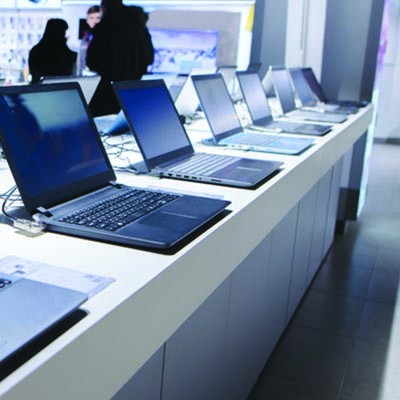
By now it should be clear that the same computer might not work for two different businesses’ needs. In previous articles we discussed how to select the right CPU, RAM, storage, and display for your desktop. This final post will be dedicated to some of the topics that couldn’t fit into previous parts.
Telephones have been in the office for so long that it would be weird if they weren’t in the office in some way, shape or form. With the advent of cloud-based options, however, telephone communications have become much more sophisticated and accessible. A voice over IP system that uses the Internet is one way that you can take advantage of modern technology to reduce costs and optimize your network.
We talk a lot about managed services for small and medium-sized businesses, but unless you’re familiar with the business model, you won’t be able to learn much about who we are and what we provide to organizations like yours. Today we are hoping to clear up some definitions of managed service providers, or MSPs, as well as what kind of services we can provide for businesses with limited budgets.
Part three of our computer buying guide will be dedicated to storage space. Most modern gadgets have a couple of options for storage space, in addition to external storage, but the amount of space will largely depend on the brand and version of the device. When selecting a computer, be it a desktop or laptop, how much data it can store will be of vital importance.
Are you in the market for a new desktop computer for your business (or your home office)? We’ve put together a five-part guide to help make sense of the components that go into a desktop computer to give you a better idea about what you may need in a new desktop. We start our guide by breaking down CPUs, and what is right for your needs.
Businesses often utilize signage to direct visitors to specific points of interest in their offices, but with the advent of digital technologies, the potential for digital signage is nearly endless. If leveraged properly, these displays can be used to provide key insights into operations, as well as notify employees and visitors of important information.
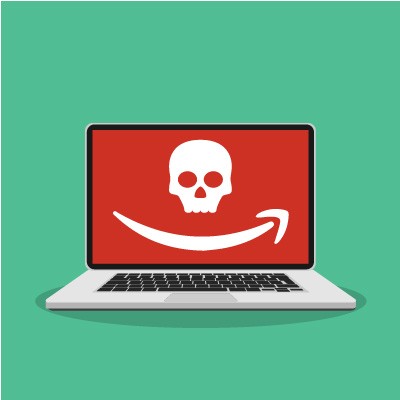
In 2018, Amazon was struck by a considerable attack, with hackers taking funds from approximately 100 seller accounts, according to a Bloomberg report. Between May and October 2018, Amazon sellers were struck approximately 100 times, draining funds from the seller control platform to augment their own funds. According to the investigation, the first fraudulent transaction took place on May 16, 2018, with an undisclosed amount being stolen. The hackers utilized phishing attacks in order to scam their targets.
Microsoft Windows has been a staple of modern computing, with each title in the series offering more innovative features. When it becomes time to retire one of their OSs, it can be troublesome for businesses. This coming January, two of the most utilized versions of the Windows OS--Windows 7 and Windows Server 2008 R2 will be losing support, effectively ending their viability. Businesses that still use these titles will have to come up with a plan about how they are going to proceed once Microsoft retires that software.
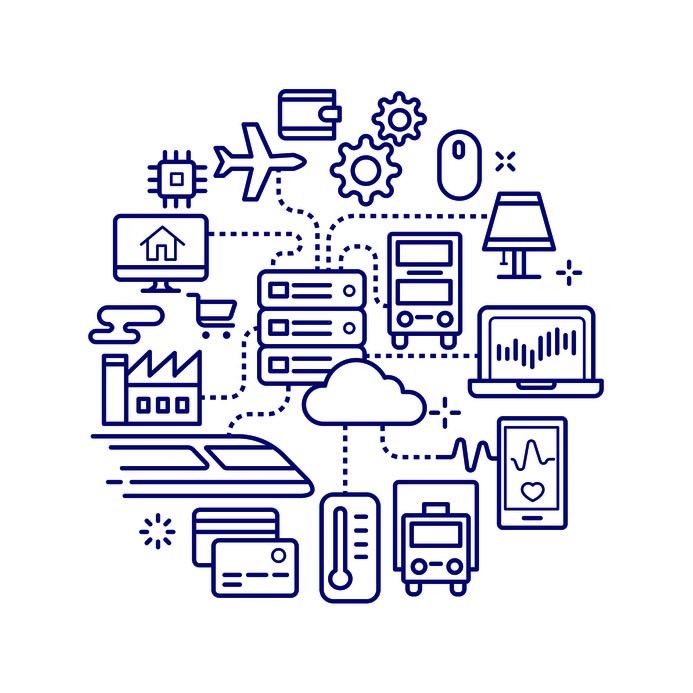
The Internet of Things is rapidly growing in popularity, which makes it all the more likely that some IoT devices will make their way into your office. Also growing: the reputation that these devices have as vulnerabilities to your organizational security. In an increasingly connected world, it is important to remember how the IoT could quickly become a hindrance to your business if not managed properly.
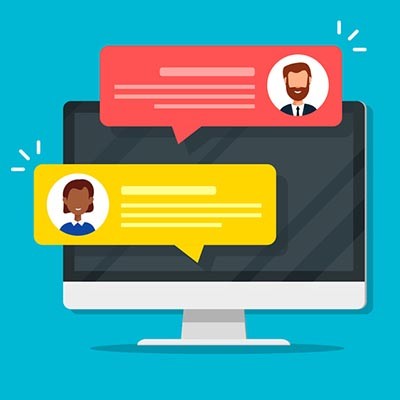
Communication is paramount in any business environment, which makes it crucial that your business is equipped with the tools that allow this communication to take place. In light of this, many businesses have embraced instant messaging applications in the workplace. For this week’s tip, we’ll go over how to most productively and professionally utilize instant messaging.